Drafts and approval
New lots start as drafts. Fill them in, apply for verification, and once approved they go Active.

WasteSwapBusiness Venture
Start WasteSwap Venture to sell your industrial waste to plants that can use it. Free to start.
Download the app & Start a Venture tab.
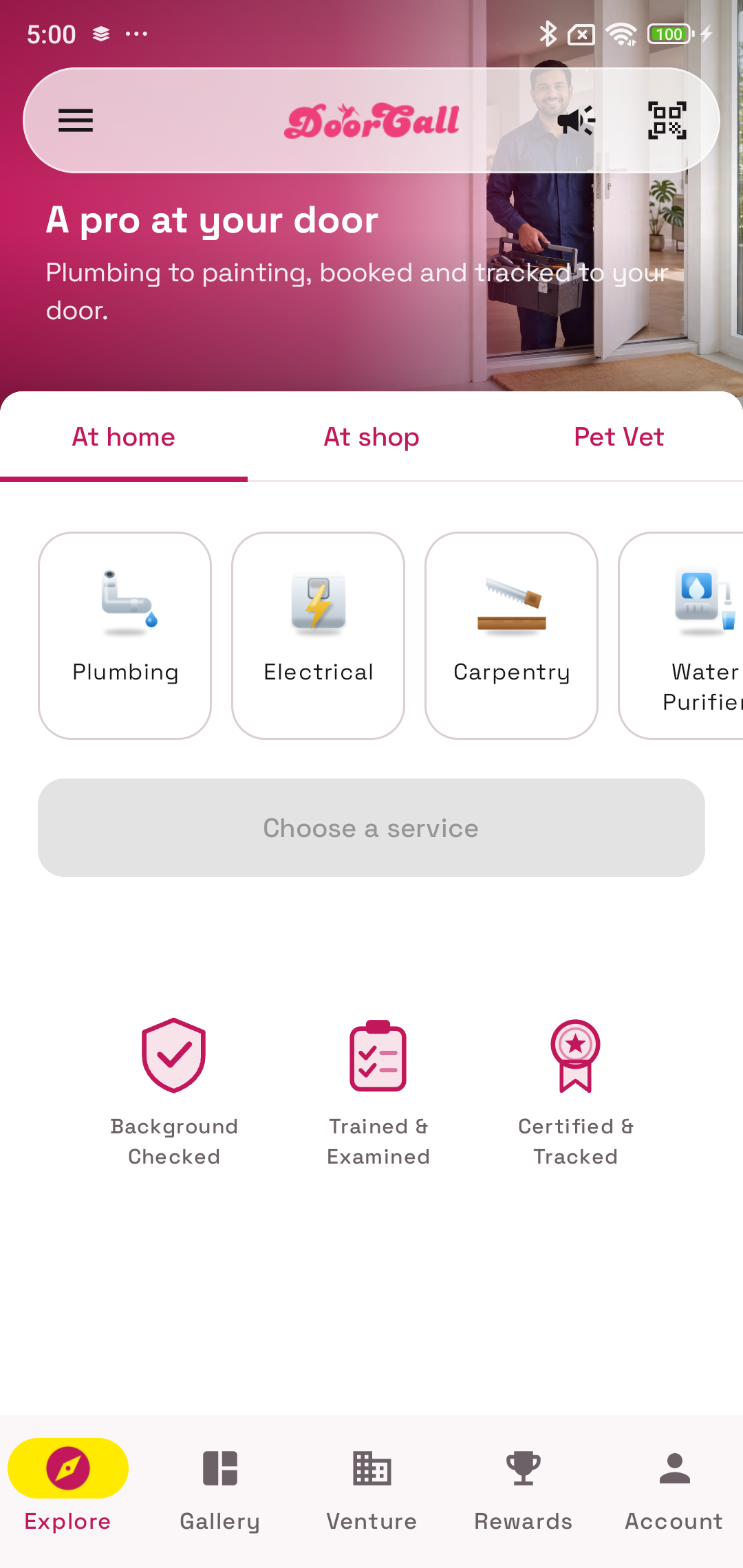
Business Venture has five kinds of waste. Pick the ones you sell, and send each lot for verification.
Steel turnings, cast iron, copper, aluminium and e-scrap from plants near you.
See the scrap metalPET, HDPE, PP, film, woven sacks and moulding rejects in bulk.
See the plastic wasteCotton, polyester and denim cuttings, yarn waste and rags.
See the fabric scrapsCullet by colour, float glass off-cuts, bottles and jars.
See the waste glassDemolition rubble, recycled aggregate and masonry waste.
See the concrete rubbleOpen WasteSwap and choose Start WasteSwap Venture. It adds a Venture tab. You keep your account and can still buy.
Pick the material, add the quantity, sorting, packing and pickup, set your asking price and add photos.
Our team checks the lot and calls you if they need anything. Once approved it goes Active.
Offers buyers send land in your Venture panel, and you are pinged on Adda for each one.
Accept the offer you like. Our team calls you both to verify and close the deal.
Add your bank account once, then withdraw from your wallet. Weekends and bank holidays are not working days.

Everyone starts free on Leaf. Upgrade for a higher daily limit and to be offered offers earlier. A paid plan runs for a set term and does not renew on its own: if it ends without payment, you go back to Leaf.
3 offers a day
Where everyone starts. Free.

5 offers a day
Raises your daily cap, and offers reach you first.
10 offers a day
The top of the pool. The highest daily limit, and you are offered offers before everyone else. Plant is included.
New lots start as drafts. Fill them in, apply for verification, and once approved they go Active.
See every offer on your lots, accept one or decline the rest.
See what has cleared and what is still settling. We store only the last four digits of your account number.
Take a lot offline and buyers stop seeing it. Set it Active again to take offers.
Watch training clips, then sit the WasteSwap CFA test to earn your certificate.
Adda is Frycold’s own chat app. Talk to buyers in one place, instead of five.
Free to start. Get the app, then add the Venture tab.